

What Is Float in Project Management? Formula & Examples
Learn what float in project management means, explore its types and calculation formulas, and discover how to use float time to manage project schedules and avoid delays.

Table of Contents (16 sections)
- What Is Float in Project Management?
- How Does Float Work in A Project Schedule?
- Types of Float in Project Management
- Total Float
- Free Float
- Project Float
- Negative Float
- Float Time Formula: How to Calculate Float
- How to Calculate Float Time: Step-by-Step Process
- Float Time Formula Examples: Four Worked Calculations
- Float vs. Slack Time: Is There a Difference?
- How to Use Float in Project Management Effectively
- Common Mistakes to Avoid When Managing Float in Project Management
- How Time Tracking and Project Management Software Help Monitor Float
- Use Float to Keep Projects on Track
- Frequently Asked Questions
No one rejoices as much as project managers when an agency bags a new project. But when it comes to completing the project within the promised deadline, no one panics as hard as project managers.
Every project is an amalgamation of a set number of tasks. As every task gets done, the team progresses a step toward project completion. However, once a task gets delayed, it creates a cascading effect that seeps into every step of the project. And as the delay continues, the project delivery date is at risk of being missed.
The ideal solution to fix the situation is identifying float in project management.
What Is Float in Project Management?
Float in project management is the amount of time an activity can be delayed without affecting a scheduled timeline or the project completion date. Project managers calculate it based on the date the task is started and the allocated project submission dates, with a keen eye on dependencies between activities across the project schedule.
How Does Float Work in A Project Schedule?
Anyone researching “what is float time in project management” is really asking how much room the schedule allows before a deadline looms ahead. A task with three days of float can start three days late, or run three days long, as long as everything else remains the same. Float depends on the project network, task dependencies, and scheduling constraints such as a fixed delivery date, so float in project management needs recalculating whenever the plan changes.
So, it’s safe to say float time calculation is an ongoing process as projects can face unplanned disruptions.
Types of Float in Project Management
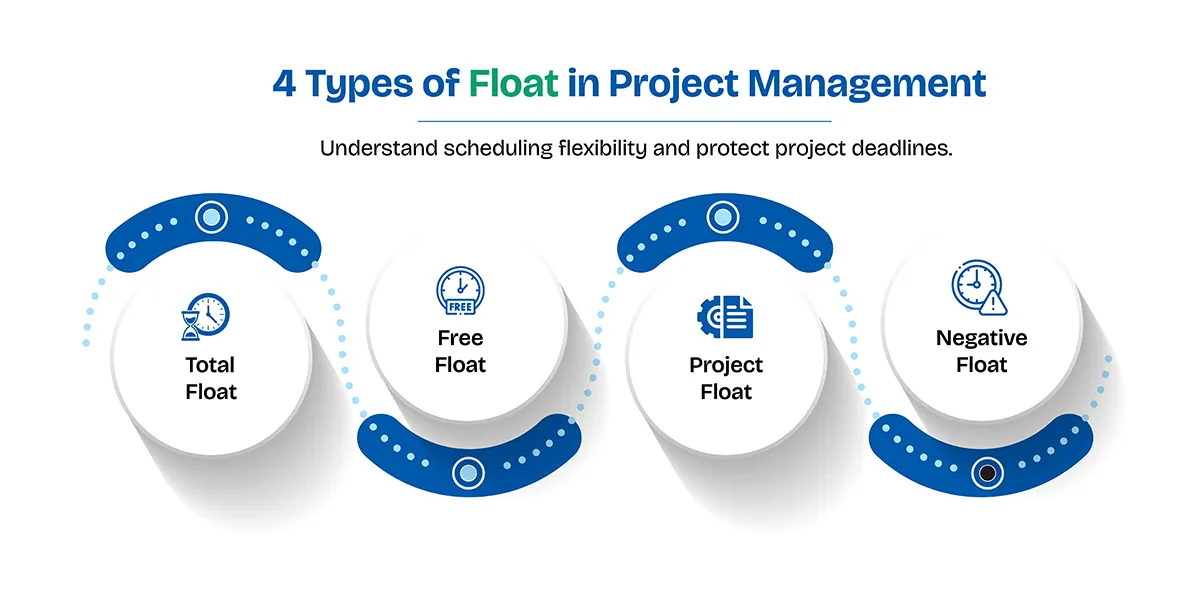
Four types of float in project management appear most often, and each addresses a separate scheduling concern.
Total Float
Total float is the amount of time an activity can be delayed without delaying the project's scheduled completion date, and the float time formula produces it from late and early dates. Critical-path activities usually carry zero total float, while activities off that path carry positive total float.
A test-preparation task with three days of total float, for example, can slip three days without moving the launch. Because total float in project management is shared along a path, spending it on one task leaves less for the next.
Free Float
Free float is a more rigid form of float in project management: it measures how long an activity can be delayed without delaying the early start of its immediate successor. If a report finishes at Day 6 and the next task cannot begin before Day 8, the report has two days of free float. Free float never exceeds total f Negative float refers to a schedule that cannot meet a required date under the current logic and constraints, and it is the most urgent warning float can give in project management loat.
Project Float
Project float is the buffer between the planned completion date and a required or external deadline, such as a contract date or a retail release timed ahead of Black Friday. It describes the whole schedule instead of one activity, and the terms differ across methodologies.
Negative Float
Negative float refers to a schedule that cannot meet a required date under the current logic and constraints, and it is the most urgent warning float in project management can give. Usual causes behind such a situation include tight deadlines, long dependency chains, and resource limits. Teams can respond by revising the schedule, adding resources, trimming scope, or renegotiating the date. If the forward pass ends at Day 12 and the client requires Day 10, the critical path carries −2 days of float.
Float Time Formula: How to Calculate Float
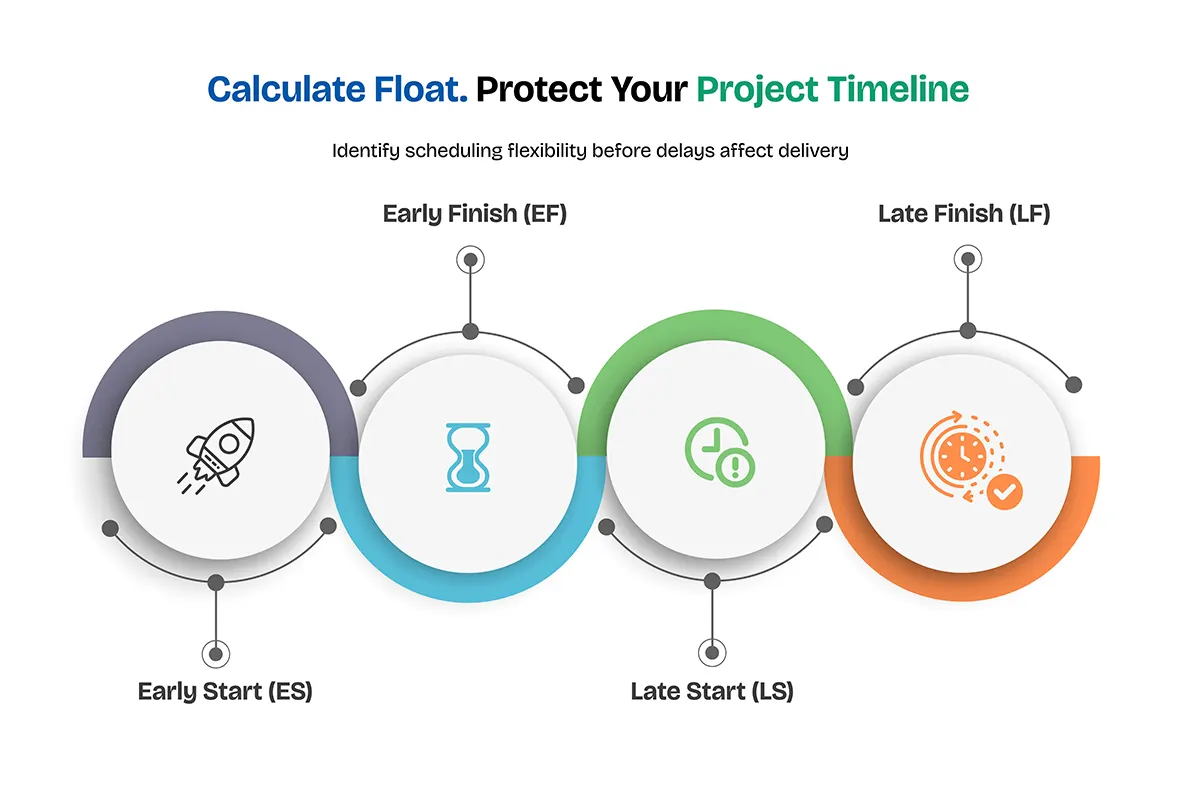
If you want a comprehensive view inside ‘What is float time in project management?’, it is simply the gap between an activity's earliest and latest dates. The float time formula uses four dates from critical path scheduling:
Early Start (ES)
Early Finish (EF)
Late Start (LS)
Late Finish (LF)
These dates are calculated by checking the project schedule from start to finish and then working backward. Sounds confusing? Let’s take a look at an example:
If a task can start as early as Monday but can be delayed until Wednesday without affecting the project deadline, the difference indicates its float.
Total Float = LS − ES
Total Float = LF − EF
Free Float = ES of the immediate successor − EF of the current activity
Float calculations work best when task dates are counted consistently and working days are clearly defined. Free float is measured against the earliest start of the immediate successor, and total float and free float measure different forms of scheduling flexibility. Zero total float generally means no scheduling flexibility under the calculated schedule.
How to Calculate Float Time: Step-by-Step Process
Calculating float in project management takes six steps, and the float time formula works only after the early and late dates have been determined.
- List every activity with its duration.
- Map the dependencies, noting which tasks must finish before others begin.
- Work forward through the project schedule to find the earliest start and finish dates for each task.
- Work backward from the project completion date to find the latest start and finish dates for each task.
- Apply the float time formula to the early and late dates, and calculate free float from the earliest start of the immediate successor.
- Flag activities with zero total float and review the critical path, though constraints can change which activities count as critical.
- A calendar that’s used to calculate float in project management should include holidays such as Memorial Day, Independence Day, and Thanksgiving.
A calendar that’s used to calculate float in project management should include holidays such as Memorial Day, Independence Day, and Thanksgiving.
Float Time Formula Examples: Four Worked Calculations
| Activity | Days | Depends on | ES | EF | LS | LF | Total float |
|---|---|---|---|---|---|---|---|
| Design | 3 | None | 0 | 3 | 0 | 3 | 0 |
| Development | 5 | Design | 3 | 8 | 3 | 8 | 0 |
| Content preparation | 3 | Design | 3 | 6 | 5 | 8 | 2 |
| Testing | 3 | Development, Content preparation | 8 | 11 | 8 | 11 | 0 |
| Launch | 1 | Testing | 11 | 12 | 11 | 12 | 0 |
Design, development, testing, and launch carry zero float, so they form the critical path, and any delay disrupts the project submission by day 12. Content preparation allows two days of total and free float, and a three-day slip there would push the delivery date to Day 13.
Float vs. Slack Time: Is There a Difference?
Guides on what is float time in project management often use float and slack as equivalent terms but that’s far from the truth. Both discuss the amount of acceptable delay in tasks without altering the final project delivery date.
But there’s a minor distinction between the two:
- Slack usually refers to the extra time available for an individual task before it affects the schedule.
- Float refers to how much a task can be delayed without affecting other tasks or the project deadline.
Let’s understand the difference between Slack vs. Float in Project Management using an example:
A team is building a website. It relies on three tasks, such as designing the website, developing its features, and testing the final product.
- Task A: Website design requires 3 days to finish.
- Task B: Website development takes 5 days, and the team can start working on it only after the design is approved and delivered.
- Task C: Website testing takes 2 days and starts after website development is closed out.
So, the total time to complete the project is 10 days.
The plan to get done with the project might look like this:
| Task | Duration | Planned schedule |
| --- | --- | --- |
| Website design | 3 days | Day 1–3 |
| Website development | 5 days | Day 4–8 |
| Website testing | 2 days | Day 9–10 |
Now, if the website design team wraps up its work in 2 days instead of 3, the team saves a day. So, does it mean the entire project has an extra day available? Not really!
The effect of finishing designing tasks early depends on the task dependencies and what’s more left to do. Let’s shed light on how slack and float work:
Slack: If a task has room to delay submission in its schedule, slack describes the time available before a delay affects the relevant deadline or dependent work.
Example, suppose the team has scheduled 3 days for a design task, but the work can be completed in 2 days. The 1 day saved is a difference between the planned duration and the actual time taken. But it in no way defines the delay as slack as slack is the permissible delay in the schedule. It doesn’t grant you the buffer just because you completed your tasks early.
Float: One of the most important concepts in project operations, float in project management can look a bit multifaceted. Referring to the previous example, the project deadline is Day 12 instead of Day 10. The tester team can finish testing by Day 10 and still adhere to the deadline even if testing is delayed by up to 2 days. So, this allows the final task 2 days of float when no other constraints or dependencies affect the deadline.
Now if testing is delayed by 1 day, the project can still finish by Day 11. If it is delayed by 3 days, the project finishes on Day 13 and misses the deadline by 1 day.
How to Use Float in Project Management Effectively
Using float in project management thoughtfully requires you to treat it as a decision tool. Managers can start with the Zero-Float First Rule: review critical and near-critical tasks before anything else each week, and shift resources toward them when one starts to slip.
The remaining float can absorb small disruptions, such as a late approval, once the manager has checked how a delay could affect subsequent tasks. Recalculating with the float time formula after every change keeps deadline forecasts realistic.
Many make the mistake of considering float in project management as spare time for every task. But delaying every task from the beginning removes the cushion from everything downstream. The Defense Contract Management Agency's 14-Point Assessment, used by U.S. government contractors, flags schedules where more than 5% of incomplete tasks carry a total float above 44 working days and targets zero negative float.

Common Mistakes to Avoid When Managing Float in Project Management
Managers often make six common mistakes while working with float in project management:
- Teams often confuse total float with free float, leading to miscalculation of the deadline/submission date.
- Teams sometimes treat float in project management as a uniform approach, although every task has its own flexibility.
- Ignoring how tasks depend on one another can lead to misleading float estimates.
- Float does not guarantee that a deadline will be easily met.
- Failing to recalculate float after scheduling changes makes the estimates inaccurate.
- Overlooking negative float and fixed deadlines can lead to costly problems.
How Time Tracking and Project Management Software Help Monitor Float
Answering “what is float time in project management” is only half the job; tracking how it changes helps managers spot potential delays. Project management software organizes task dependencies, durations, deadlines, and milestones, and time tracking adds the missing comparison between estimated and actual duration. A task planned for three days that is still open on day four shows that float in project management is being used up and the schedule needs an update.
TruTimer supports the second half. The platform tracks work time behind the scenes and maps each tracked hour to a project, task, or ticket from Jira, Azure DevOps, Redmine, GitHub, or GitLab. Reports on utilization, active versus idle time, and project drift show where hours leak and which projects are slipping.
The time-tracking software does not replace a scheduling tool that computes critical paths or float in project management; it supplies the actual-time evidence that shows when a cushion is shrinking.

Use Float to Keep Projects on Track
Float in project management measures how much a schedule can be adjusted before the deadline expires. The short answer to “what is float time in project management” is the cushion between a task's earliest and latest dates. Total float helps keep the project on schedule, free float protects the next task, and the float time formula turns early and late dates into a clear measure of scheduling flexibility.
Calculating float, tracking task dependencies, and reviewing tasks with little or no float each week helps keep estimates accurate. Teams ready to connect tracked hours with schedule decisions can book a TruTimer demo or start a free trial today.
Frequently Asked Questions
What is float time in project management?
Float time is the number of working days a task can be late without causing an extensive delay. A task with five days of float can start or finish up to five days later than its earliest date, provided nothing else changes. Managers use that number to decide where to give attention first and where a short delay will not hurt.
What is the float time formula?
The float time formula says total float equals late start minus early start, or late finish minus early finish, and both lead to the same conclusion. Free float equals the early start of the next task minus the early finish of the current task. For example, a task that can start on Day 2 but may start as late as Day 6 has four days of total float.
What is the difference between total float and free float in project management?
Total float in project management is the delay a task can bear with before the project deadline is delayed. Free float is the delay it can absorb before the very next task is affected. A free float can never be greater than total float. A manager who spends total float on one task may squeeze later tasks, while spending free float usually leaves every other task untouched.
What does zero float mean in project management?
Zero float in project management means a task has no spare time. If it starts or finishes late, the delay moves to the next task and usually affects the project finish date. Tasks with zero total float can delay the entire project if they fall behind schedule, so they deserve the highest attention. Zero float simply signifies where scheduling discipline matters most.
Can a project have a negative float?
Yes. Negative float in project management refers to that the project is expected to finish later than the deadline. So, now to meet the deadline, the team needs to make changes in their schedule. They can limit tasks, welcome new team members, reduce the workload, or work on tasks at the same time where possible. And the final solution is asking the client for more time. After making these changes, the team should update the schedule to check whether the new plan is feasible.
How does float in project management affect the critical path?
The critical path is the chain of tasks with the least total float, usually zero, so float calculations help managers identify the tasks that determine the project completion date. Tasks with positive floats fall outside the path and can shift within the available time. Using up that float can turn a flexible task into a critical one, so managers keep a close watch on the gap. Changes to project durations or dependencies can also shift the critical path.